


Let your AI assistant do it. Connect the Super MCP to Claude, ChatGPT or another assistant and paste this prompt:
Use the Super MCP to hide the page icon on [all pages / page path] of my Super site [site name].
Follow the guide at https://docs.super.so/help/super-how-tos/hiding-the-page-icon and keep all existing code.
Then show me a preview of that page.
Use the code below to hide the icon on specific pages. You can apply it site-wide through Custom Code or add it only to selected pages.
If you’d like to hide the icon on a specific page, you can easily do so using the code below. You can add the code globally through your site’s Custom Code section, or place it on individual pages if you only want the change to apply to certain areas of your website.
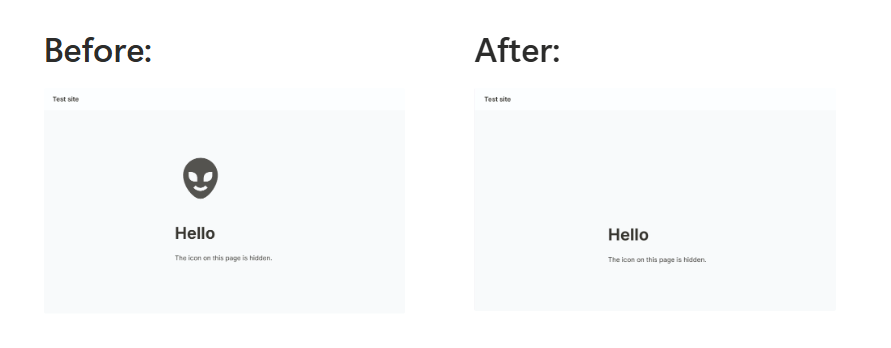
Simply paste the code into the CSS tab in the Custom Code section of the dashboard:
img.notion-header__icon { display: none !important; }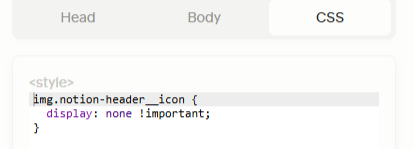
The page emoji icon:
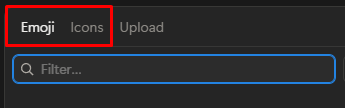
In Notion, you can also use an emoji as the page icon. In this case, a different piece of code is required to hide the emoji.
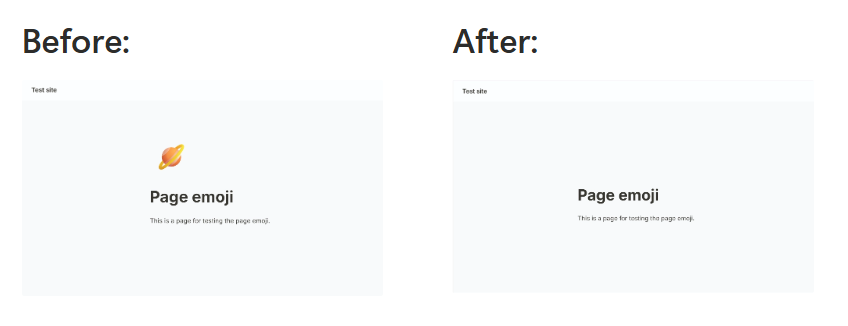
Simply paste the code into the CSS tab in the Custom Code section of the dashboard:
.notion-header__icon-wrapper.has-icon > div { display: none !important; }