


Let your AI assistant walk you through it. Connect the Super MCP to Claude, ChatGPT or another assistant and paste this prompt:
Use the Super MCP to tell me which features of my template work on the current plan of my Super site [site name].
Read https://docs.super.so/help/super-how-tos/difference-between-paid-and-free-templates-in-superso and explain it for my site step by step.
Do not change my plan; just show me where in the dashboard I can see it.
Clarifies the difference between free and paid Super.so templates and why a subscription is needed for premium features.
It’s totally understandable to feel confused about paid and free templates and why a subscription is still needed, this comes up quite often. 😊
To clarify, templates (whether paid or free) only cover the template design itself. If you’d like to use paid features, such as custom stylesheets, custom code, SEO, adding a custom domain or other premium functionality, you’ll need an active subscription to one of our premium plans.
Paid templates are created and sold by independent creators through Super.so.
Free templates are mostly created by the Super team. While they’re free to use, features like custom styles and custom code still require an active subscription for them to appear on your live site.
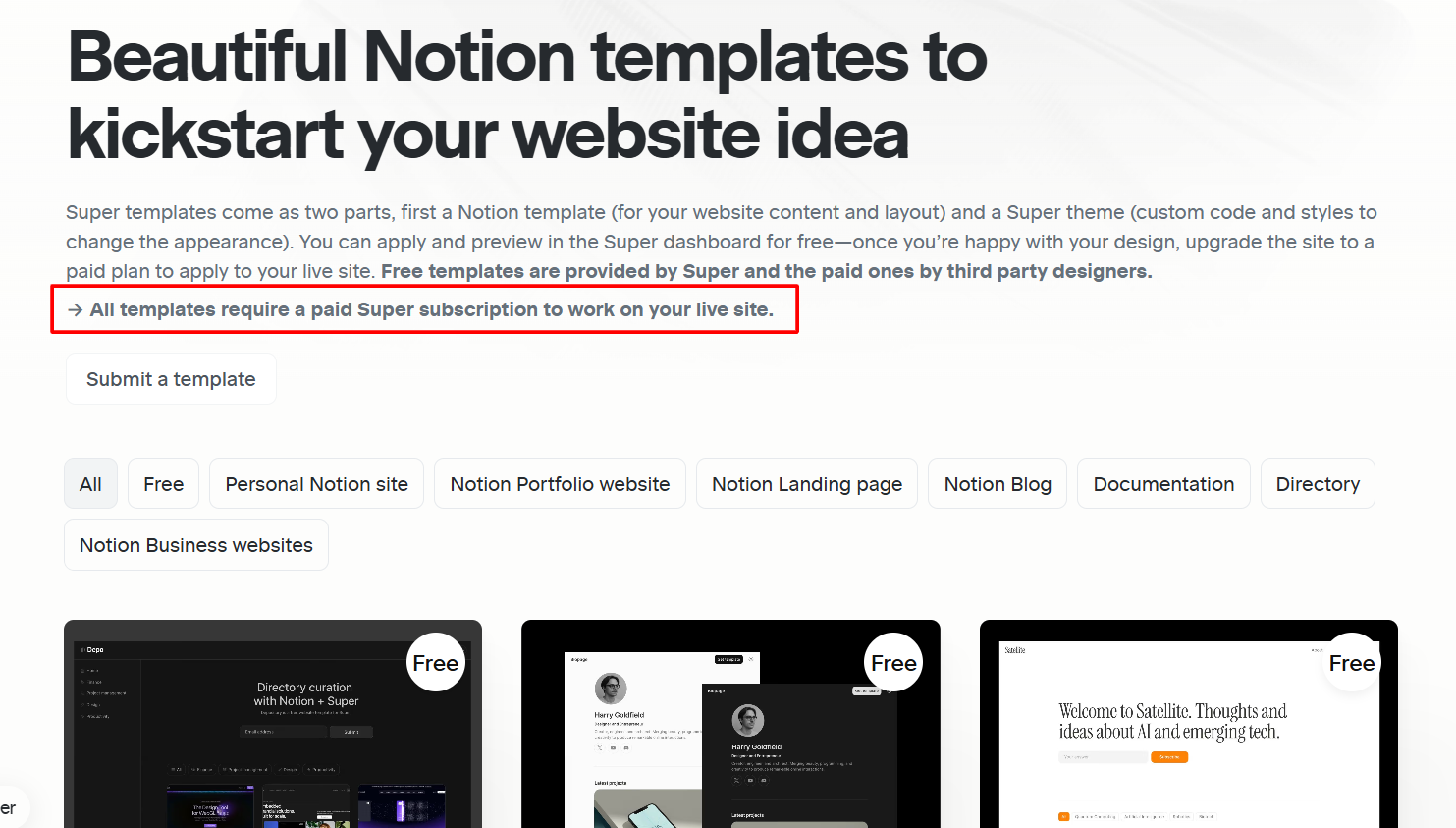
You can fine our templates on this link and we hope this helps clear things up!