


Let your AI assistant set it up. Connect the Super MCP to Claude, ChatGPT or another assistant and paste this prompt:
Use the Super MCP to make the gallery cards on [page name] link to external URLs on my Super site [site name].
Follow the guide at https://docs.super.so/help/super-how-tos/link-database-gallery-cards-to-an-external-url
If a step has to be done in Notion, do it with the Notion connector or tell me exactly what to change.
Then show me a preview of that page.
Normally database gallery cards will link through to the database sub-page when you click on them. Sometimes it's nice to have a gallery of images that click through to external sites. You can see this in action at our site showcase.
If you want to make your entire database card clickable and link to an external URL, we added a custom property for you to make that easy.
First, create a URL property called super:Link to the database.
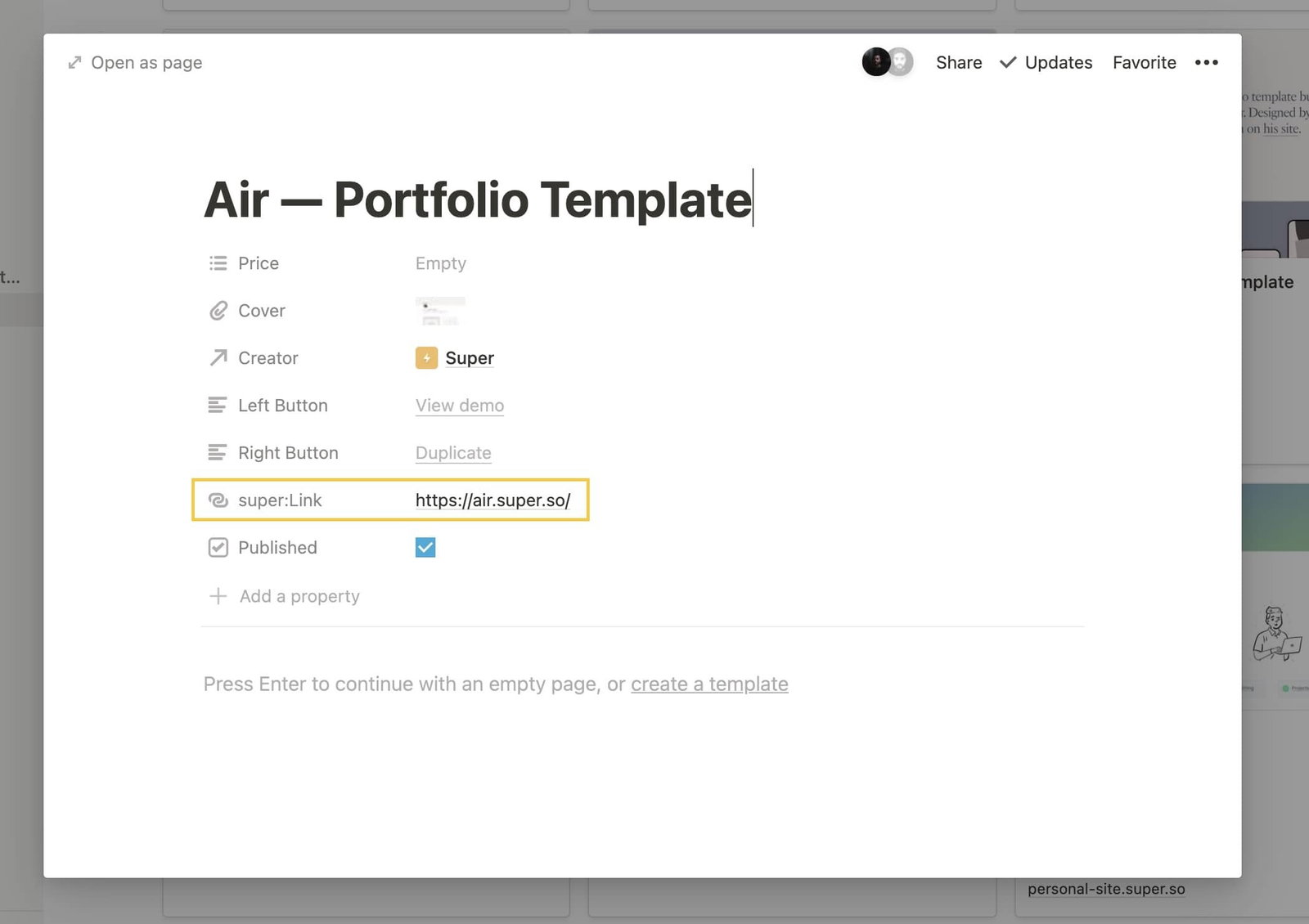
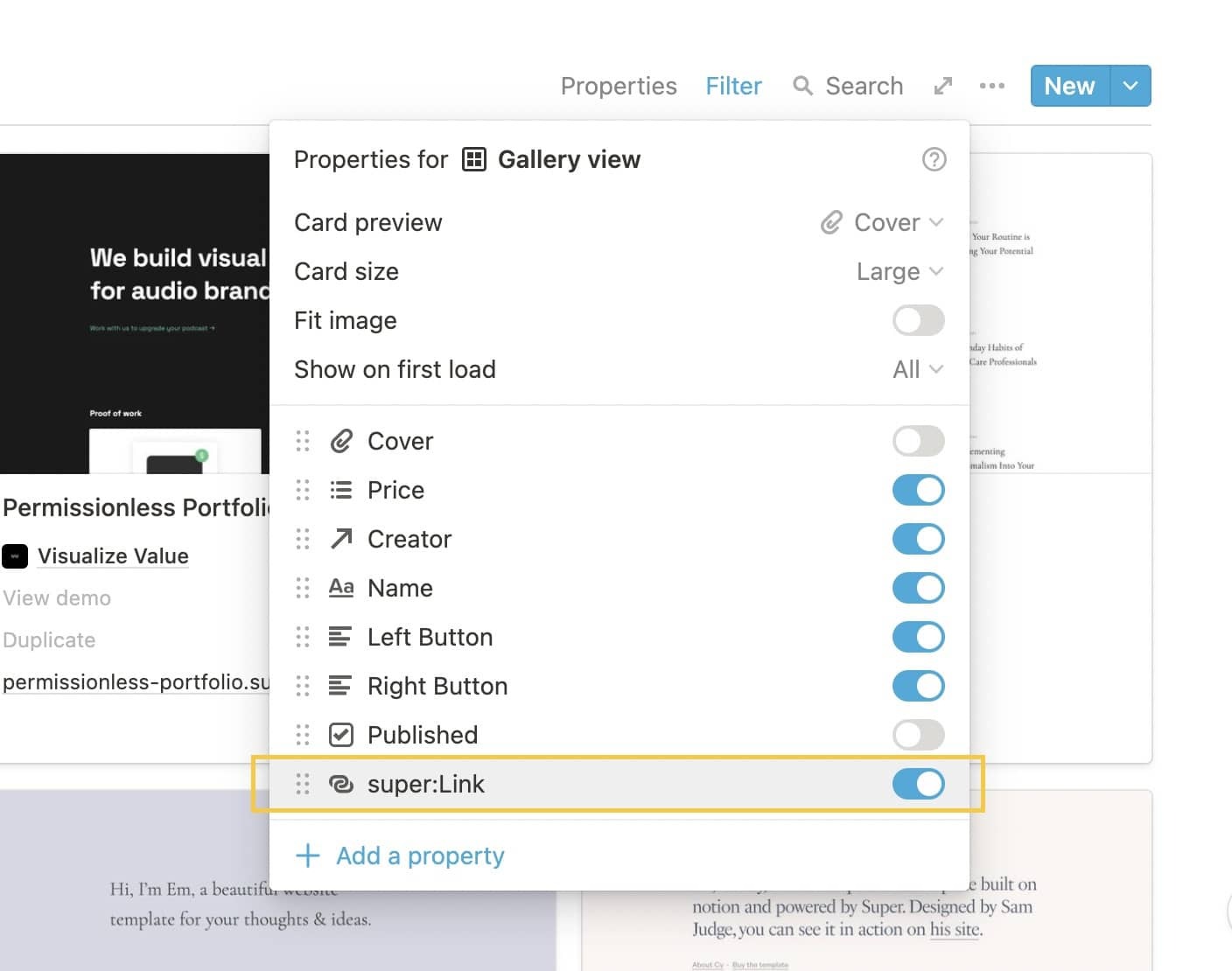
Then, make that property visible in your property settings for the gallery.
Click on the three dots for the gallery in Notion and make sure to show the property on the cover of the gallery. When Super detects this property it will hide the property, but make the gallery card clickable
That's it! Your entire database item should now be clickable and point to that URL!