Let your AI assistant set it up. Connect the Super MCP to Claude, ChatGPT or another assistant and paste this prompt:
Use the Super MCP to [show or hide] property icons on my Super site [site name].
Follow the guide at https://docs.super.so/help/super-how-tos/show-property-icons-on-superso
Then show me a preview of a page with a database.
Toggle property icons to show or hide visual symbols for a cleaner, more organized site layout.
Property Icons visually represent the type or purpose of your content, making your site more engaging and easier to scan. They add clarity and personality to your database items, enhancing the overall look and user experience.

You can choose to show or hide property icons depending on your design preference. If they aren’t necessary, hiding them keeps your site clean and minimal.
To enable or disable Property Icons:
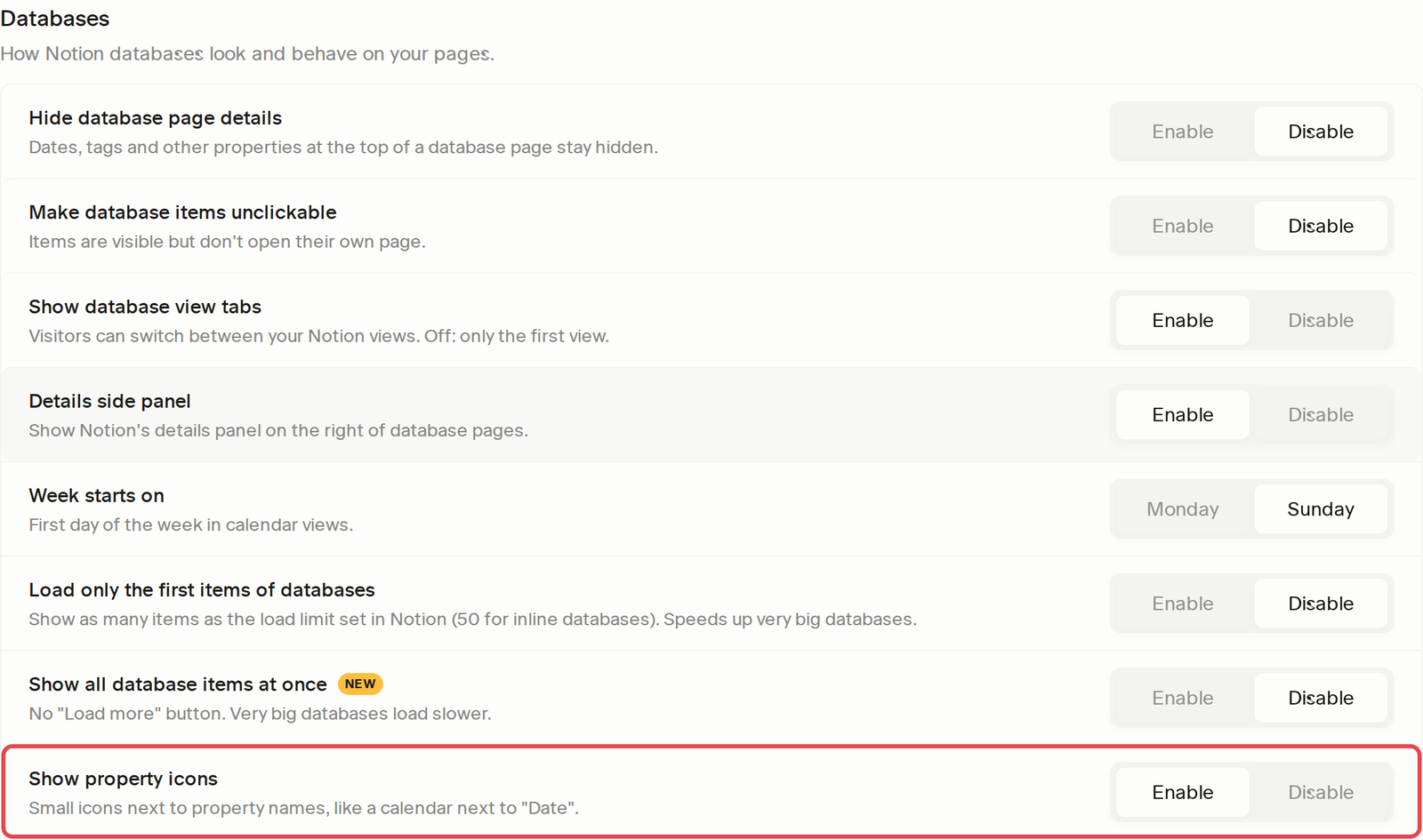
- Open Settings → Databases.
- Look for Show property icons.
- Toggle it to Enabled or Disabled, depending on your preference.
- Click Save Changes to apply the update.
This allows you to control whether database icons are visible on your live site.