Let your AI assistant walk you through it. Connect the Super MCP to Claude, ChatGPT or another assistant and paste this prompt:
Use the Super MCP to check which login method my Super account uses and how to switch it to [email and password, Google or Apple].
Read https://docs.super.so/help/widgets-and-advanced-how-tos/how-to-change-the-auth-method and explain it for my account step by step.
You can sign up for Super either with a standard login (email + password) or through your Google / Apple account. If you ever need to change your login method, you can do so by following this process.
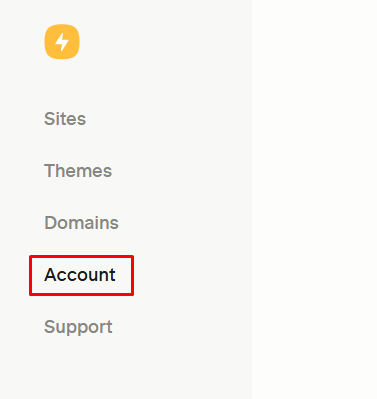
- Go to your Account dashboard:
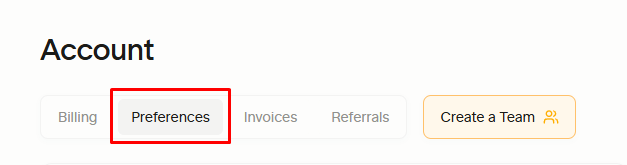
- Go to the "Preferences" tab:
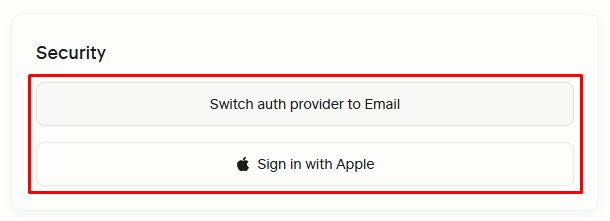
- Go to the "Security" block:
- Change the auth method to the one you prefer.