


Let Super AI set this up It follows this guide and asks only what it needs.
‣
Notion charts in Super shorten long x-axis labels, so dates like "Oct 12, 2026" turn into "O…". This snippet turns the labels vertical so every label is shown in full. It applies to all chart views on your site (line, bar and others).
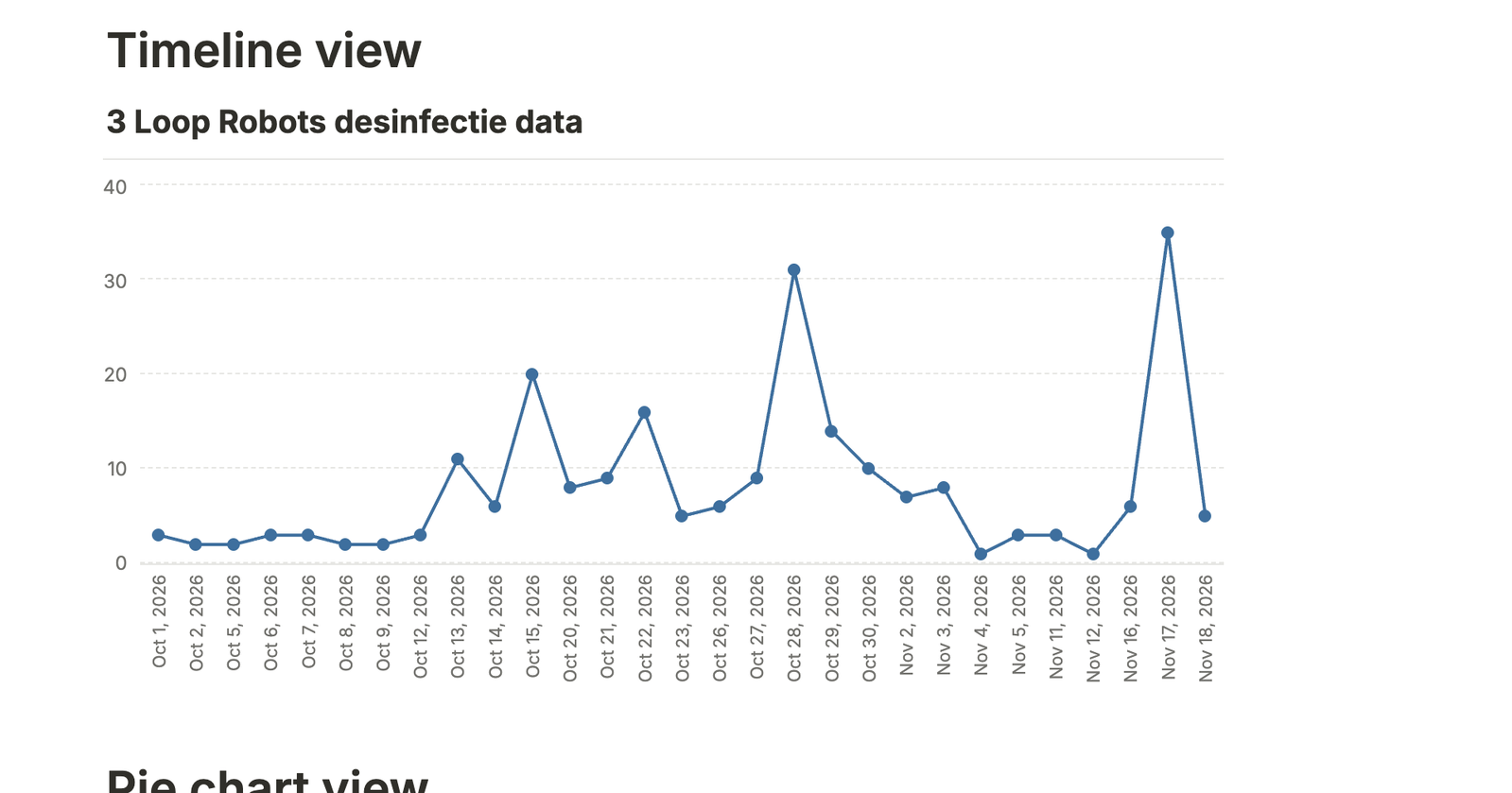
Simply paste the code below into the CSS tab of the custom code section in your dashboard.
You can set:
- label font size (font-size: 11px)
- space between the chart and the labels (padding-top: 6px)
.notion-collection-chart .notion-collection-chart__x-labels {
  height: auto !important;
  align-items: flex-start !important;
  overflow: visible !important;
  padding-top: 6px; /* space below the chart */
}
.notion-collection-chart .notion-collection-chart__x-labels > span {
  overflow: visible !important;
  text-overflow: clip !important;
  white-space: nowrap !important;
  writing-mode: vertical-rl;
  transform: rotate(180deg);
  display: flex;
  justify-content: flex-end;
  font-size: 11px; /* change size */
  line-height: 1;
  height: auto !important;
  max-height: none !important;
}